The Project
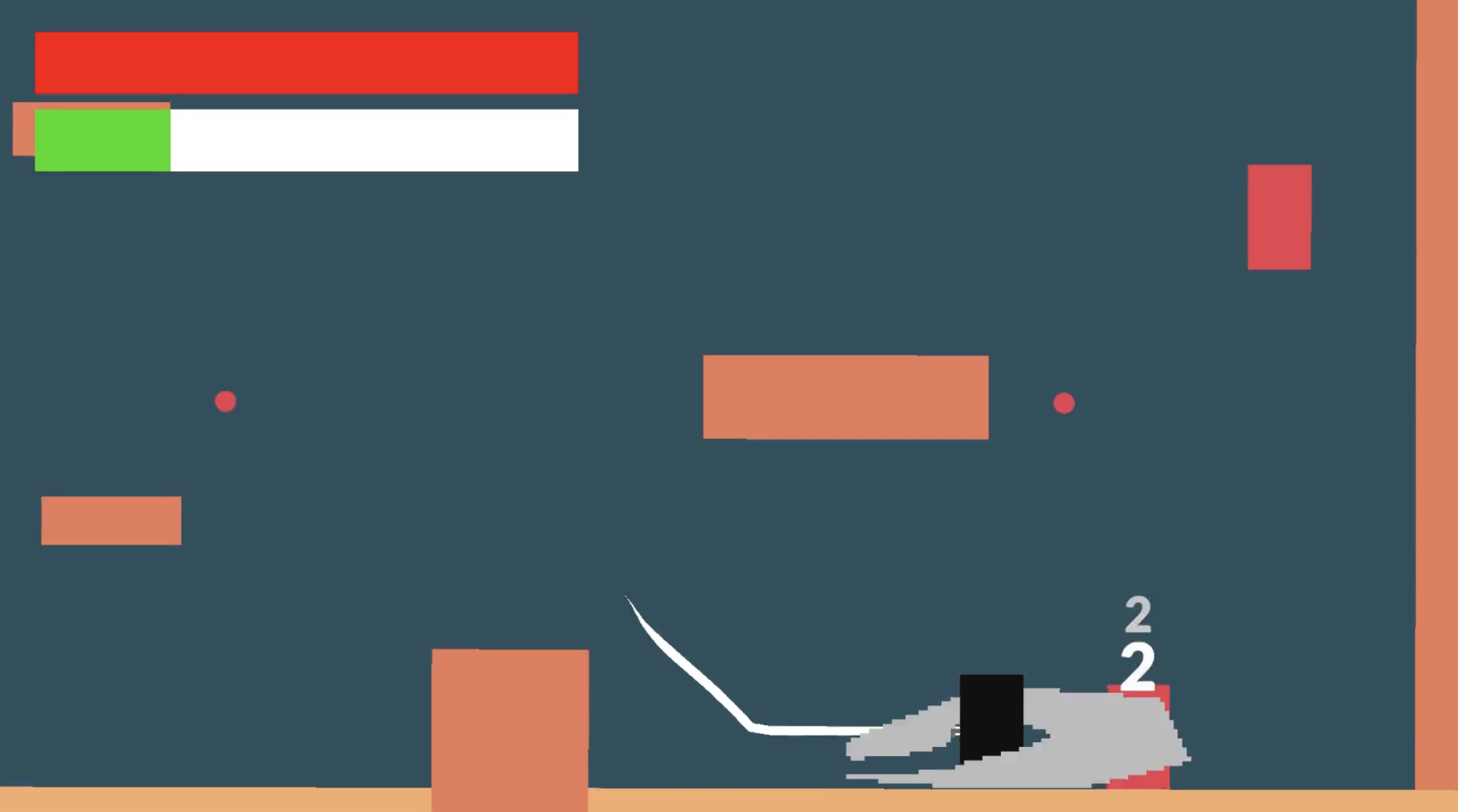
Spindrift began as a 2D boss-rush platformer. However, during development, I pivoted to focus entirely on game feel and polish. I stripped the project down to its core to craft a player controller that felt perfectly responsive. I tuning the timing of attacks, dashes, and parries to create a sense of fluid, responsive combat.
What I Did & Creative Approach
I coded everything and handled visuals myself. My creative goal was to create a code that felt invisible, using tons of different tricks from coyote time to jump buffers to make it feel just right. All systems communicate through a central manager using UnityActions and ScriptableObjects, keeping dependencies clean and the project easy to scale. This wasn’t just for code cleanliness, but it allows me to quickly and easily add onto the character controller in the future, simply requiring subscribing to an event to work.
What I Learned
I learned quite a bit working on this project including: UnityActions, Scriptable Objects, and how to use #region to clean up code. However, the larger lesson I learned was that good code architecture is actually a creative tool. By separating the logic from the visuals, I made the project both scalable and easily able to be applied creatively. Additionally, I learned how to use UnityActions to subscribe events across scripts, decreasing complexity and increasing the scalability and efficiency of my code.
Why I made this project
I wanted to bridge the divide between spaghetti code and design freedom. I realized without a solid foundation holding it up, creative iteration is slow and loses its usefulness. I’d spent a lot of time making quick prototypes before this, but I wanted to build something that could scale, a system I’d be proud to reuse.